Desktop Client for Linux
- The sync client should now open.
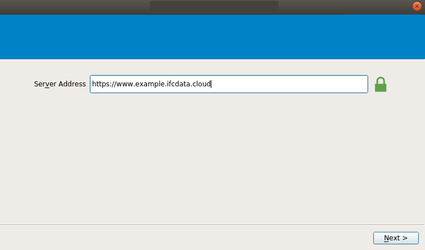
a . In the Server Address field, type https://example.ifcdata.cloud as shown in the following screenshot.
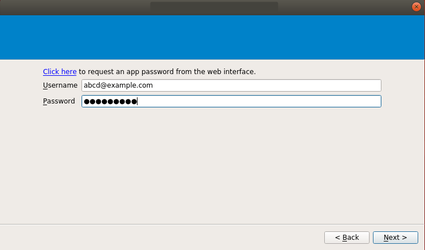
2.Under Account, provide your user name and password; these are the same as the ones you use when you log in on https://example.ifcdata.cloud web interface.
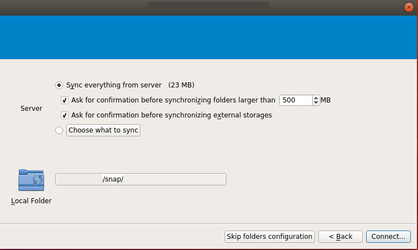
3. Now choose the local folder, which will be synchronised by https://www.example.ifcdata.cloud